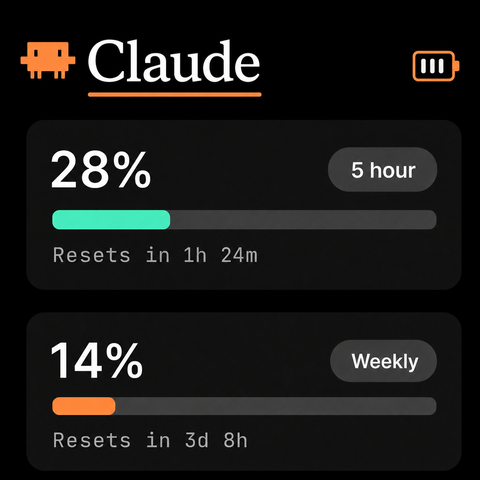
Claude
A quiet meter that shows your Claude and Codex usage in real time. Install the Mac app and the gauges wake up.
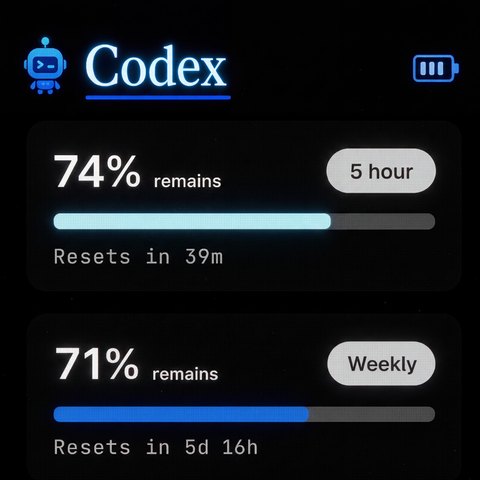
Codex
RATION shows the usage of the account already signed in on that computer, so it has to be that machine. If you haven't signed into Claude Code or Codex on it yet, do that first, then come back here.
It doesn't plug into your computer. It talks over Bluetooth, like wireless headphones. The cable is only for charging. Just turn the unit on and set it near your computer.
Double-click RATION Installer in your Downloads folder, then click Install RATION. No password, no dragging.
RATION copies itself in and opens automatically. A small R appears in the menu bar along the top of your screen.
If your Mac asks whether RATION can use Bluetooth, click Allow. That's how it reaches your unit.
Within a few seconds your unit fills in with your real usage. You never plug it into the computer, and there's no pairing to fuss with.